Ten Considerations When Choosing an Uninterruptible Power Supply (UPS)
1. UPS System Types
There are three main types of UPS power systems: standby, line-interactive, and double-conversion.
These three types of UPS systems offer different functionalities to meet your needs. Standby UPS, also known as offline UPS or VFD (voltage and frequency related) UPS, is the most common of the three. It provides very basic power protection and battery backup, protecting against power outages, voltage surges, and spikes. However, a drawback of standby UPS is its inability to regulate power drops or transient voltages.
To achieve this functionality, you need a line-interactive UPS power system. This offers a higher level of power protection and is more affordable. In this type of UPS, the inverter is always on and connected to the output. Line-interactive UPS uses Automatic Voltage Regulation (AVR) to maintain the voltage within certain high and low limits. Standby UPS will switch to battery power in this situation, but line-interactive UPS will not, thus saving battery power and extending battery life.
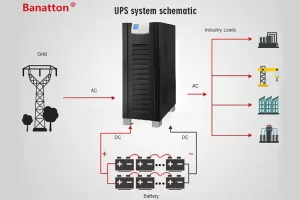
Finally, online UPS (also known as online double-conversion) provides the highest level of protection. They are called double conversion because they convert the input AC to DC and then convert that DC back to AC using an inverter. This prevents any anomalies and avoids all power problems.
2. Considerations for Choosing an Uninterruptible Power Supply (UPS) System
Here are ten key considerations when choosing a new UPS system:
1. Power Environment: First, you must understand what kind of UPS you are currently using. You might think you want to focus on a larger three-phase UPS system, but you may actually prefer a single-phase unit. Single-phase designs are best suited for small to medium-sized data centers and computer rooms, while home designs are typically three-phase.
2. Installation Environment: How will your new UPS system be deployed? This is important because many environments can support multiple different UPSs.
3. Power Load: When considering which UPS is best, you must understand the power supply’s VA or watt rating. The size of the UPS further narrows the choices, along with the power environment and whether you are using single-phase or three-phase.
4. Availability and Battery Life: Determining your actual uptime requirements is crucial, and most people think this is easy to do. Understanding the facts behind the numbers is crucial; required uptime impacts the total cost of a UPS solution.
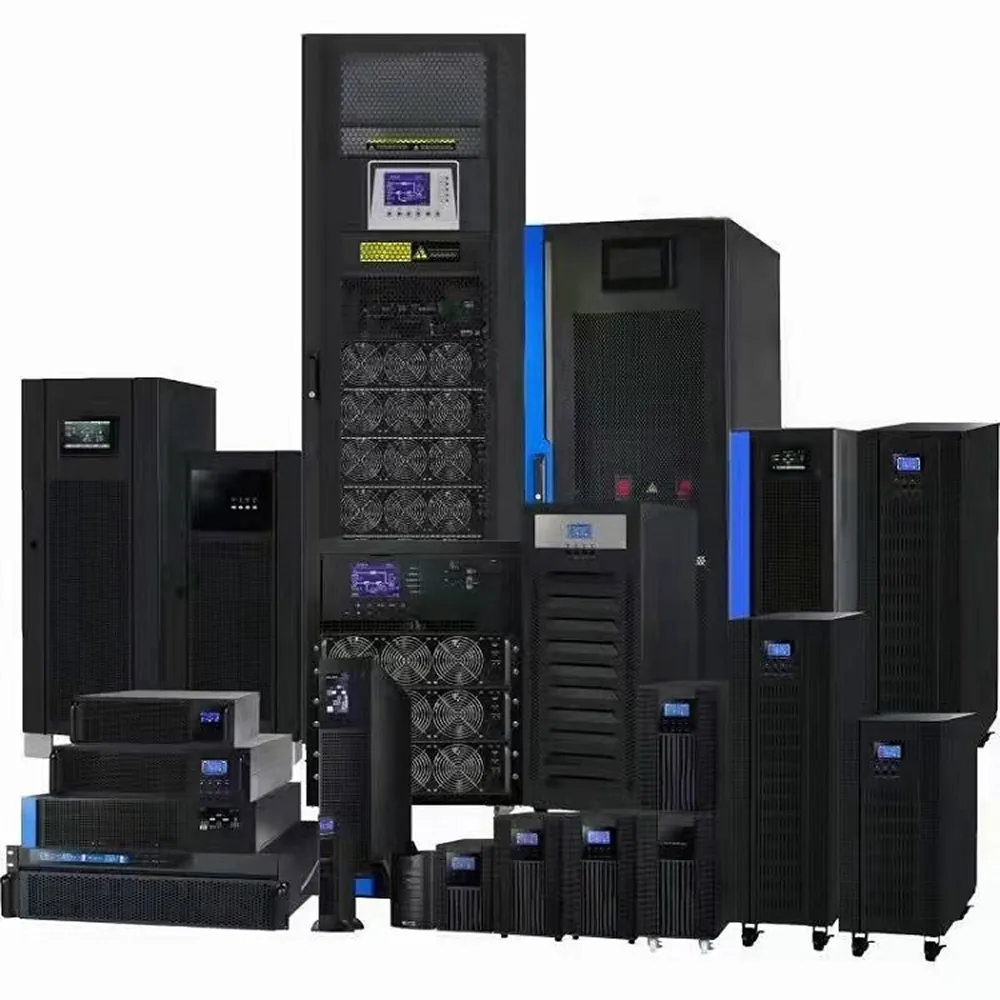
5. Model: How much space are you willing to sacrifice for your UPS? Where do you want to install it? You must answer these questions before deciding between tower and rack-mount. Some UPS systems even come in a 2-in-1 form factor, allowing for the most convenient installation.
6. Scalability: Ideally, you want to be able to expand utility power as needed without purchasing additional hardware. You should look for a device whose capacity can be increased using power supplies or battery modules.
7. Power Distribution: Consider how the input power or common power source reaches your equipment. Some devices can be plugged directly into the UPS, while others require a Power Distribution Unit (PDU). A rack-mount PDU may also need to be integrated into the overall design.
8. Manageability: You must have power management software to ensure that ongoing work is saved and connected devices are properly shut down when the output voltage exceeds battery capacity. Without software, the UPS will run until the battery is depleted.
9. Operation/Maintenance: Many professionals prefer field service or advanced UPS switching protocols. Before deciding whether to have professionals perform maintenance, you should assess your own service capabilities.
10. Budget: You should be prepared to prioritize your needs, as your UPS system should fit within your budget. You may need to choose a package that suits your needs, rather than the UPS you dream of.
An uninterruptible power supply (UPS) is an electrical device that provides emergency power to loads when the main power source (usually utility power) fails. When...
Today, businesses rely heavily on uninterruptible power to protect their critical infrastructure. To meet this demand, modular uninterruptible power supply (UPS) systems are becoming increasingly...
An industrial UPS is a device that provides temporary power to large electrical equipment during power outages. Because it uses three-phase power, which is common...
The supply of electricity has brought us great convenience and provided energy security for social development, people’s livelihoods, and industrial growth. However, power supply has...