 26Sep

Start UPS troubleshooting by identifying the exact model, reading the alarm message, and recording the operating mode. Then follow that model’s manual and the site’s approved response plan. A symptom is a starting point, not a confirmed diagnosis.
An alarm during battery operation can mean something different from an internal fault or a loss of monitoring. Treating every beep as a repair problem can lead to the wrong action. So can assuming that a powered load still has its normal protection.
This UPS troubleshooting guide helps facility and IT teams gather useful evidence, distinguish common symptoms, and prepare a service request. It covers external observations and decision points. Internal inspection, switching, testing, and replacement still depend on the equipment and approved service procedure.
First, recognize an urgent abnormal condition. Smoke, a burning smell, visible leakage, or suspected electrical contact hazards require the site’s emergency response and responsible personnel. Keep clear of the affected equipment. Do not continue routine checks while an urgent condition is being handled.
UPS troubleshooting starts with the model and mode
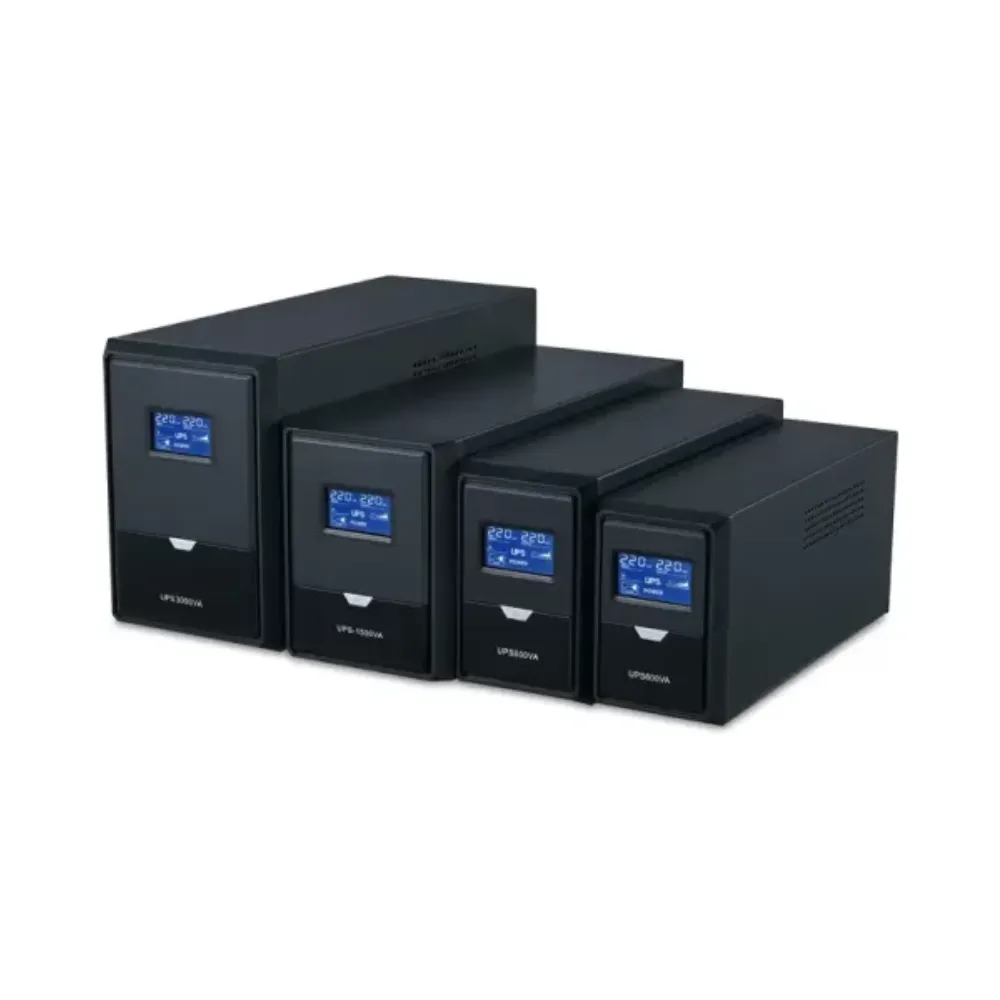
Record the UPS model and the display’s exact words before looking for a generic fix. Include any alarm code, indicator pattern, and timestamp. Use information visible through normal operator access; do not open a cabinet to collect it.
The same sound or indicator color can have different meanings across products. Schneider Electric’s Smart-UPS alarm guide distinguishes battery operation, overload, and battery-related alerts within that product line. Its beep patterns are not a universal code table for other UPS systems.
For UPS troubleshooting, the practical rule is simple: match the message to the correct manual revision. If the model or meaning is uncertain, preserve the evidence and ask for support.
Identify the supply path
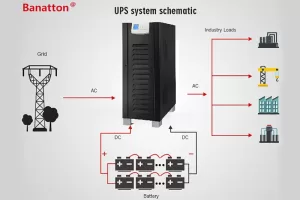
Record whether the display reports normal operation, battery operation, static bypass, or maintenance bypass where those modes exist. Also note whether the connected load remains powered. These are separate facts.
Bypass may keep a load supplied without providing the same inverter conditioning or battery support. Schneider Electric’s bypass explanation distinguishes static and maintenance bypass for its Easy UPS 3S system. Apply the actual model’s documentation when interpreting another installation.
Good UPS troubleshooting records the mode rather than changing it merely to see what happens. A transfer or shutdown can affect critical loads and requires a defined plan.
Need help identifying the message? Send Banatton the model, alarm text and operating mode with your enquiry. Include the load’s current state and any recent changes.
Common symptoms and useful observations
Use this table to organize a first report. It does not authorize a repair or establish the cause. Permitted operator actions still come from the site’s procedures and the selected model’s manual.
| Symptom | Record without internal access | Question for the manual or service team |
|---|---|---|
| UPS will not start or has no output | Display state, visible messages, recent shutdown or outage | Which startup conditions and supply checks apply? |
| Unexpected output reading | Displayed input/output values, mode, affected equipment | Is this a mode, setting, measurement or equipment issue? |
| Overload alarm | Load indication, timing and equipment changes | Is the approved load plan still within the model’s limits? |
| Battery alert or short runtime | Alarm text, charge indication and outage history | Which battery and charging checks are required? |
| Monitoring communication lost | Local display state, software message and last good update | Is the issue in monitoring or power operation? |
| Unclear indicator or beeping | Color, pattern, exact message and time | What does the correct model manual identify? |
| Heat or fan warning | Reported temperature, visible airflow obstructions and alarms | Does the condition require service or an environmental response? |
| Unusual odor, leakage or hazardous symptoms | Observations from a safe position | Which emergency and service response applies? |
Startup and output concerns
An unresponsive UPS may have several causes. Do not conclude that an internal fuse or battery has failed from the symptom alone. For UPS troubleshooting, start with the visible state and the model’s stated startup requirements.
A small plug-connected UPS and a hardwired three-phase installation do not have the same operator procedures. Any supply verification or electrical measurement must stay within the responsible person’s role and approved method.
Unexpected voltage readings also need context. Record whether the value comes from the UPS display, monitoring software, or another instrument. Do not recommend an added voltage regulator before the system design and operating limits have been reviewed.
Overload and recent load changes
Device count does not establish power demand. Record the indicated load and what changed before the alarm. Real power, apparent power, phase loading, and brief demand changes can matter to the assessment.
Use the UPS sizing guide for a later capacity review. During UPS troubleshooting, follow the approved load response rather than disconnecting critical equipment at random or immediately purchasing a larger unit.
Illustrative scenario: equipment was added before an alarm
A team notices an overload message after adding equipment to a protected rack. It records the time, load indication, added equipment, and whether the alarm is continuous or brief. It then checks the site’s approved response and requests a capacity review.
This UPS troubleshooting record identifies a useful sequence, not a confirmed cause. A short circuit, load fault, or other condition still needs the appropriate assessment. Repeatedly restarting the UPS would not establish which explanation is correct.
Battery and communication symptoms need context
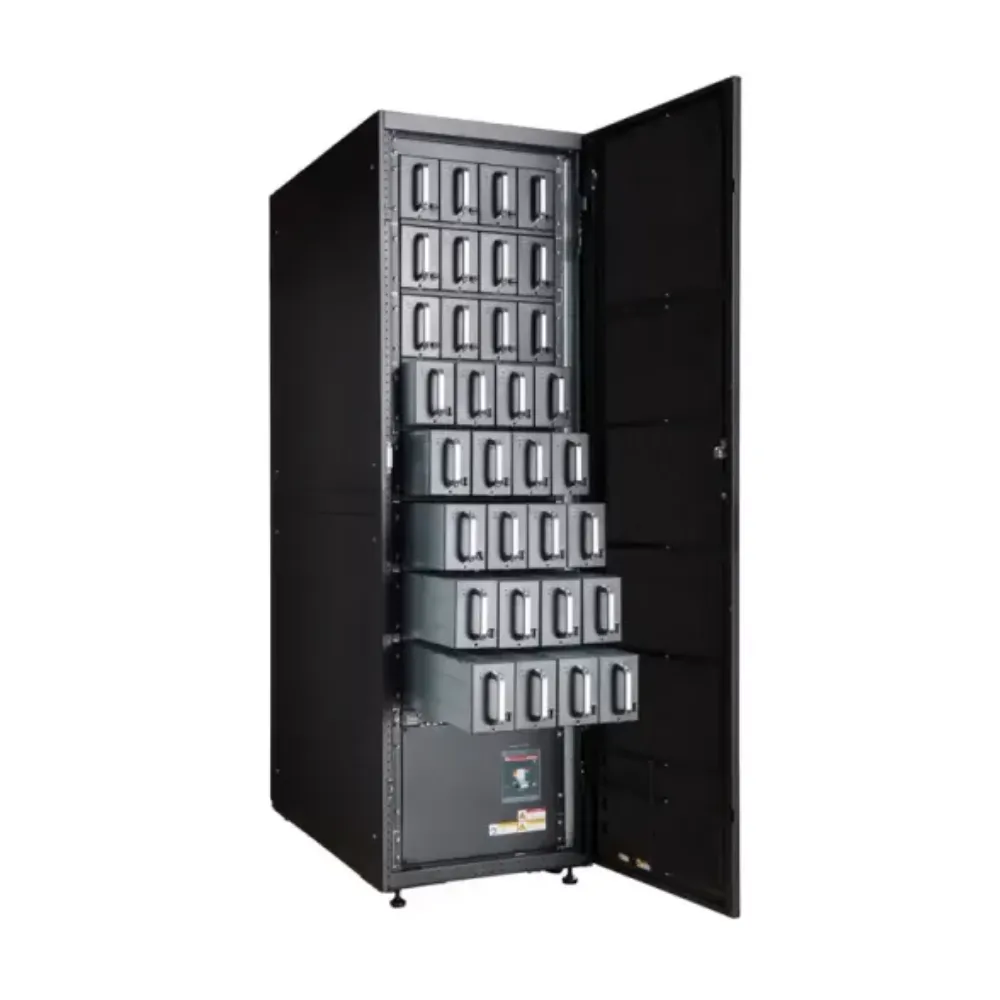
Short backup time does not by itself prove that the batteries must be replaced. Record the load, initial charge indication, recent outages, and any battery message. Keep expected runtime and observed runtime separate.
Schneider Electric’s SRT troubleshooting table identifies recent battery discharge, battery condition, and overload among relevant factors for its specified models. It illustrates why symptoms need context. Its recharge periods, test instructions, and settings are not general instructions for Banatton equipment.
Illustrative scenario: a short-runtime report after an outage
A facility reports less backup time following an earlier power event. The team records the earlier outage, time since it ended, load changes, and available charge information. It asks the service team to review those conditions before assuming a failed battery.
The UPS troubleshooting result is initially a better record, not a battery diagnosis. Any test or replacement follows the approved procedure for the actual battery system.
Use the UPS runtime calculation guide to check the assumptions behind a runtime target. A label in kVA does not establish backup minutes, and a calculation at one load should not be treated as a test at another.
Separate monitoring from local power status
A communication fault means the monitoring path needs attention. It does not, by itself, confirm that output power has failed or that protection is normal. Compare the software report with the local display and other approved status sources.
For UPS troubleshooting, record the monitoring tool, interface, message, last successful update, and recent network or software changes. Where permitted, verify external communication details against the supported configuration.
Do not make firmware updates the default first action. A version change requires the right package, model support, planned conditions, and an understanding of its effect on the installation.
Heat and unclear alarms
Observe accessible ventilation space and any displayed temperature or fan warning. Internal cleaning or fan inspection is a service activity unless the specific manual and authorized procedure say otherwise. Do not remove covers to investigate a general overheating symptom.
An unfamiliar indicator calls for the correct manual, not a guessed code meaning. Preserve the alarm sequence. Clearing or muting a message does not establish that its cause has been removed.
UPS troubleshooting records for a service request
A useful service request allows another person to reconstruct the event. Separate what was directly observed from what you suspect. Include uncertainty rather than filling gaps with a likely-sounding explanation.
Use this incident record during UPS troubleshooting:
| Field | Information to provide |
|---|---|
| Equipment | UPS model, accessible serial identification and relevant firmware information |
| Event time | Date, local time, duration and order of alarms |
| Message | Exact code or text, indicator pattern and available photograph |
| Mode | Normal, battery, bypass or other displayed state |
| Load | Indicated load, affected equipment and whether output remains available |
| Supply context | Recent outage, generator event or recorded input warning |
| Battery context | Charge indication, known service history and recent discharge |
| Changes | New load, software, network, configuration or maintenance work |
| Actions | What was done, by whom, and what changed afterward |
| Current status | Active alarms, load state, responsible contact and unresolved questions |
Collect photographs and logs only through permitted access. Keep timestamps and relevant file versions. A current screenshot is useful, but it may not show an earlier mode change or the first alarm in a sequence.
Make the sequence clear
Write a short chronology: normal state, first indication, later messages, permitted response, and current state. If someone changed the load or acknowledged an alarm, include the time. Do not rewrite the record to match a preferred diagnosis.
For UPS troubleshooting, distinguish an intermittent message from one that remains active. Note when it returns and which operating conditions were present. Do not deliberately recreate a potentially disruptive fault just to obtain another screenshot.
Preparing a service enquiry? Contact Banatton with the incident record and available logs. State whether you need message interpretation, configuration information, or help identifying the next supported service step.
Actions that need an approved service procedure
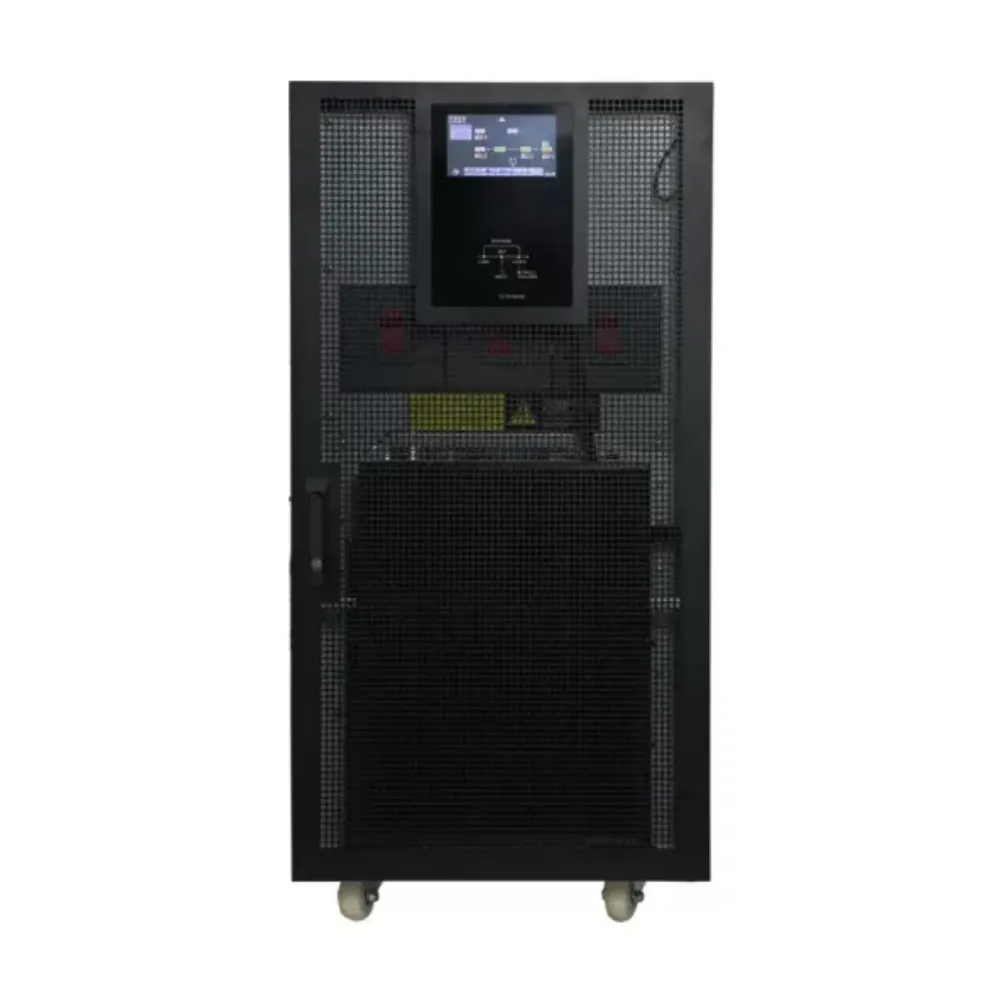
Internal inspection, battery connection work, component replacement, electrical testing, and power-path switching can affect both equipment and connected loads. UPS troubleshooting should identify the required service task without turning a general article into authorization to perform it.
Before work is planned, establish the equipment scope, responsible personnel, operating state, and effect on critical loads. Confirm the procedure, isolation requirements, and recovery plan for that installation.
Avoid a universal reset sequence
Restarting may interrupt output, remove useful evidence, or leave the underlying issue unresolved. Whether a reset is appropriate depends on the message, equipment, and approved operating plan. Do not repeatedly reset a recurring alarm without that context.
A bypass transfer is also a system operation, not a generic diagnostic shortcut. The load may remain energized while the available protection changes. Record the current path and ask what the approved service state requires.
This boundary makes UPS troubleshooting more useful: operators can report the event clearly while service personnel assess work within the correct procedure. It avoids assuming that every device has the same access, battery arrangement, or switching design.
Plan firmware and testing separately
A firmware proposal should identify the model, existing version, supported update, expected benefit, and planned operating conditions. A communication complaint alone is not evidence that an update is necessary.
Battery tests and runtime tests also need defined conditions and responsibility. Do not infer permission to discharge an installation from a troubleshooting example for another manufacturer’s model.
Verify recovery and reduce repeat events
Recovery means more than a silent alarm. Record the final displayed mode, relevant messages, load state, and the service team’s conclusions. Identify any remaining restriction or follow-up action.
For UPS troubleshooting, preserve the before-and-after record. If the load returned but the system remains in bypass, that is different from a confirmed return to its intended normal state. Use the model’s documentation to establish what is available.
Illustrative scenario: monitoring returns after a connection issue
A monitoring application loses updates while the local UPS display remains available. The team records both states and the recent network change. After an approved communication correction, it verifies that fresh status information is arriving.
The team does not claim that restoring monitoring repaired the power electronics. Its UPS troubleshooting record shows what was affected, what changed, and which operating checks were completed. Any remaining local alarm stays open for review.
Connect the incident to the maintenance plan
After UPS troubleshooting, review repeated events, environment changes, added loads, and service history with the responsible team. Follow the selected model’s maintenance requirements rather than inventing one inspection interval for every UPS.
The industrial UPS selection guide provides wider environmental and application context. The Banatton UPS systems range is available when a separate equipment review is appropriate; replacing the UPS is not the assumed answer to every alarm.
Keep preventive work and active fault response distinct. A documented UPS troubleshooting event can inform maintenance, but it does not replace the service plan or confirm a failure mechanism.
Common UPS troubleshooting questions
Does beeping always mean the UPS has failed?
No. An audible indication may relate to battery operation or a warning, depending on the model. Read the display and the correct manual. Do not apply another product’s beep pattern to your equipment.
Why is the UPS on battery when building power is available?
Record the displayed input status and mode. The presence of building power does not prove that the UPS input meets its operating conditions. Ask for model-specific interpretation rather than assuming a failed battery.
Does short runtime mean batteries need replacement?
Not on that evidence alone. Charge state, recent discharge, load, configuration, and battery condition need review. Keep the expected runtime conditions alongside the observed result.
Should I clear or reset an alarm first?
Preserve the message and event record where it is safe to do so. Follow the model’s approved instructions and site plan. Acknowledging an alarm is not proof that the cause has been corrected.
What should I send when requesting help?
Provide the model, exact message, time sequence, operating mode, load state, recent changes, and permitted logs or photographs. These inputs make UPS troubleshooting more specific and help identify what further evidence is required.
Request support with a clear record: Send Banatton your model and incident details. Use UPS troubleshooting to establish the next supported action, then document the outcome and any remaining service requirement.